Gérer les cookies utilisés pour la publicité, tels que la personnalisation des annonces, le remarketing et l’analyse des performances des annonces.
4.3.4.5. View email headers in Outlook 2019
To view the email headers, open the email in Outlook 2019 and do any of the following:
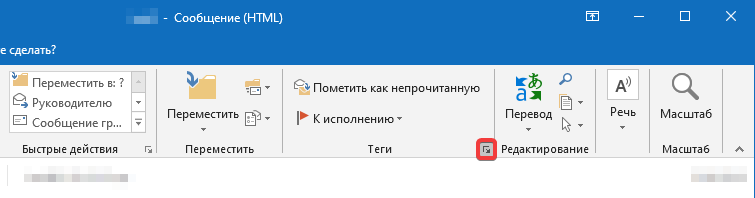
- Or click on the small arrow icon in the "Tags" section:
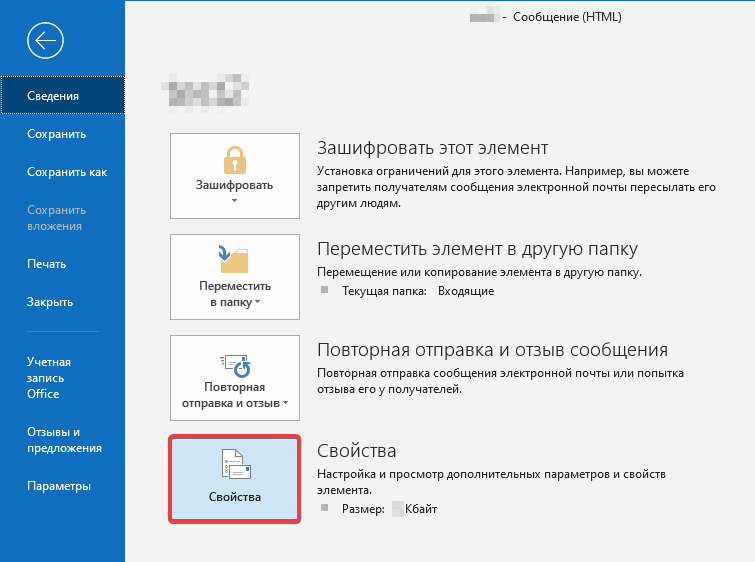
- Or open the "File" section and on the "Information" tab, click "Properties":
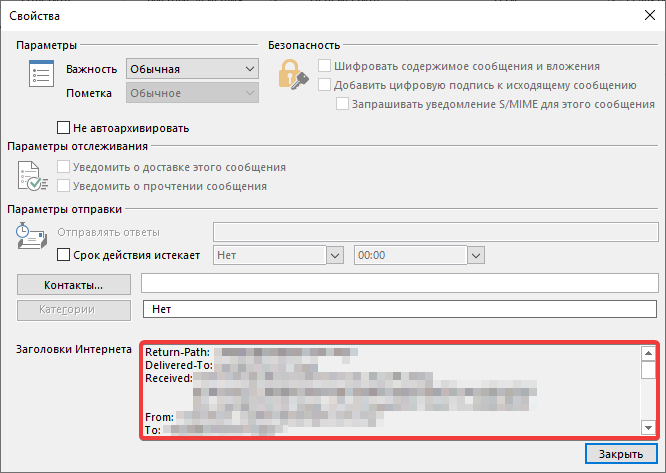
After that, a window will open where you can view all headers: